




AI-powered security in co-working spaces: balancing openness with control
Keeping shared workspaces open, connected, and secure
The appeal of a co-working space lies in its flexibility. Members come and go throughout the day, visitors arrive for meetings, teams grow, companies move, and common areas are designed to encourage collaboration rather than restrict it.
According to the Global Coworking Survey, there are now more than 40,000 co-working spaces worldwide, serving over 5 million members. As flexible work continues to reshape the modern office, operators face a growing challenge: keeping these environments open and collaborative while maintaining effective coworking space security. The question is no longer simply who can enter the building. It's how to protect people, equipment, and confidential business information through intelligent smart office security solutions without making the workplace feel like a high-security facility.
Why shared offices require a different approach
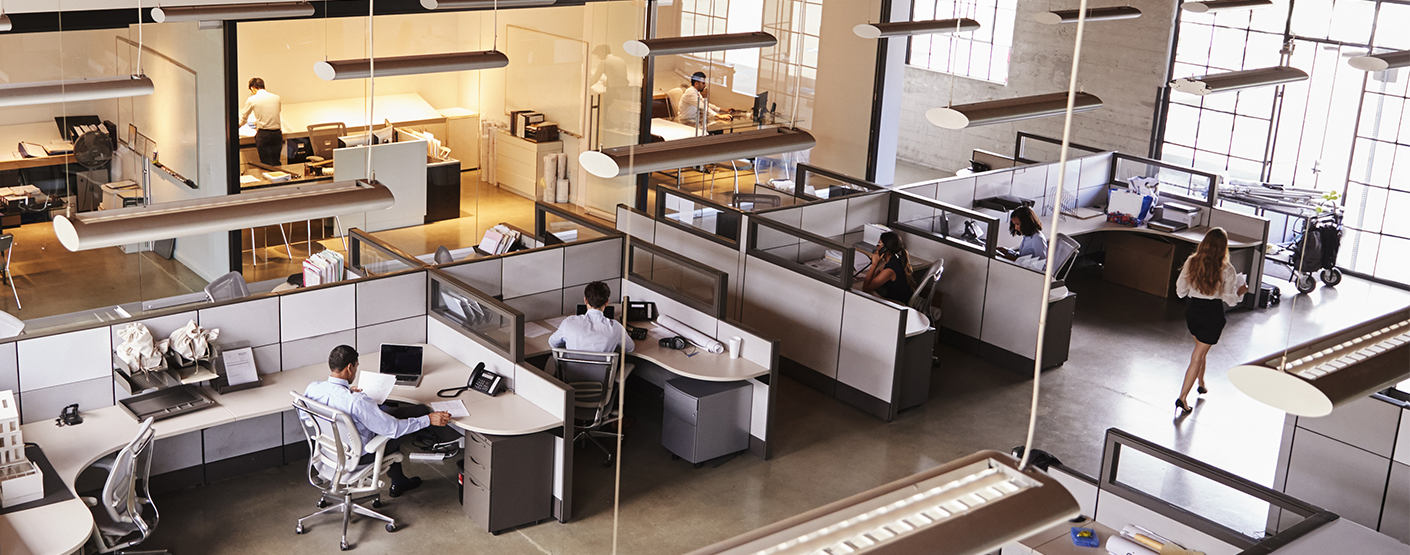
Unlike traditional office buildings, occupancy in co-working spaces changes constantly. A meeting room that sits empty in the morning may host external visitors an hour later. Members often work beyond standard business hours, while delivery personnel, contractors, and guests move through the building throughout the day. Coworking access control remains essential, but knowing who entered the building is only part of the picture. Operators also need visibility into shared spaces, restricted offices, and reception areas, along with reliable after-hours activity detection — without relying on security personnel to watch dozens of camera feeds.
Creating a safe environment shouldn't come at the expense of the open, welcoming atmosphere that members expect. Effective coworking visitor management systems help balance accessibility with security.
How AI video analytics makes flexible workplaces safer
AI video analytics for offices adds an intelligent layer to existing surveillance systems. Instead of simply recording video, cameras can automatically detect unauthorized access to restricted areas, provide office occupancy monitoring through a people counting system, analyze visitor flow, and notify staff about unusual activity outside normal working hours. When combined with access control, every event can be verified with video, making investigations faster while reducing unnecessary manual work.
Beyond security, office video analytics also helps operators understand how shared spaces are being used, improve reception workflows, and make better decisions about workspace planning as occupancy patterns change over time.
Integrated TRASSIR solutions for co-working environments
TRASSIR combines video surveillance, AI analytics, and access control within a single platform, giving operators complete visibility across shared workspaces.
Using face recognition, people counting systems, office perimeter security, neuro detection, and VMS, the platform helps secure entrances, monitor common areas, protect restricted offices, and support after-hours activity detection. Video verification linked to access events enables operators to confirm incidents within seconds while maintaining a seamless experience for members and visitors. Rather than adding complexity, TRASSIR helps co-working operators build security into everyday operations—supporting both flexibility and accountability within the same environment.
Security that fits the way people work
The best co-working spaces don't feel heavily protected—they simply feel comfortable, professional, and well managed. AI-powered video analytics makes that possible by giving operators better visibility without creating barriers for the people using the space. As flexible workplaces continue to evolve, the most effective security will be the kind that works quietly in the background—protecting people and property while allowing collaboration to happen naturally.
What's New?
All News